Mobile Ready — Mobile & Tablet Simulator Browser Extension
The one-click smartphone and tablet simulator for your browser. Preview any website on iPhone 15, Galaxy S22, Pixel 6, iPad Air and 91 device presets — built for designers, developers and product teams to test, capture and demo without leaving the tab.
Viewport simulation is ideal for layout checks, but final QA should include physical devices and Safari/WebKit.
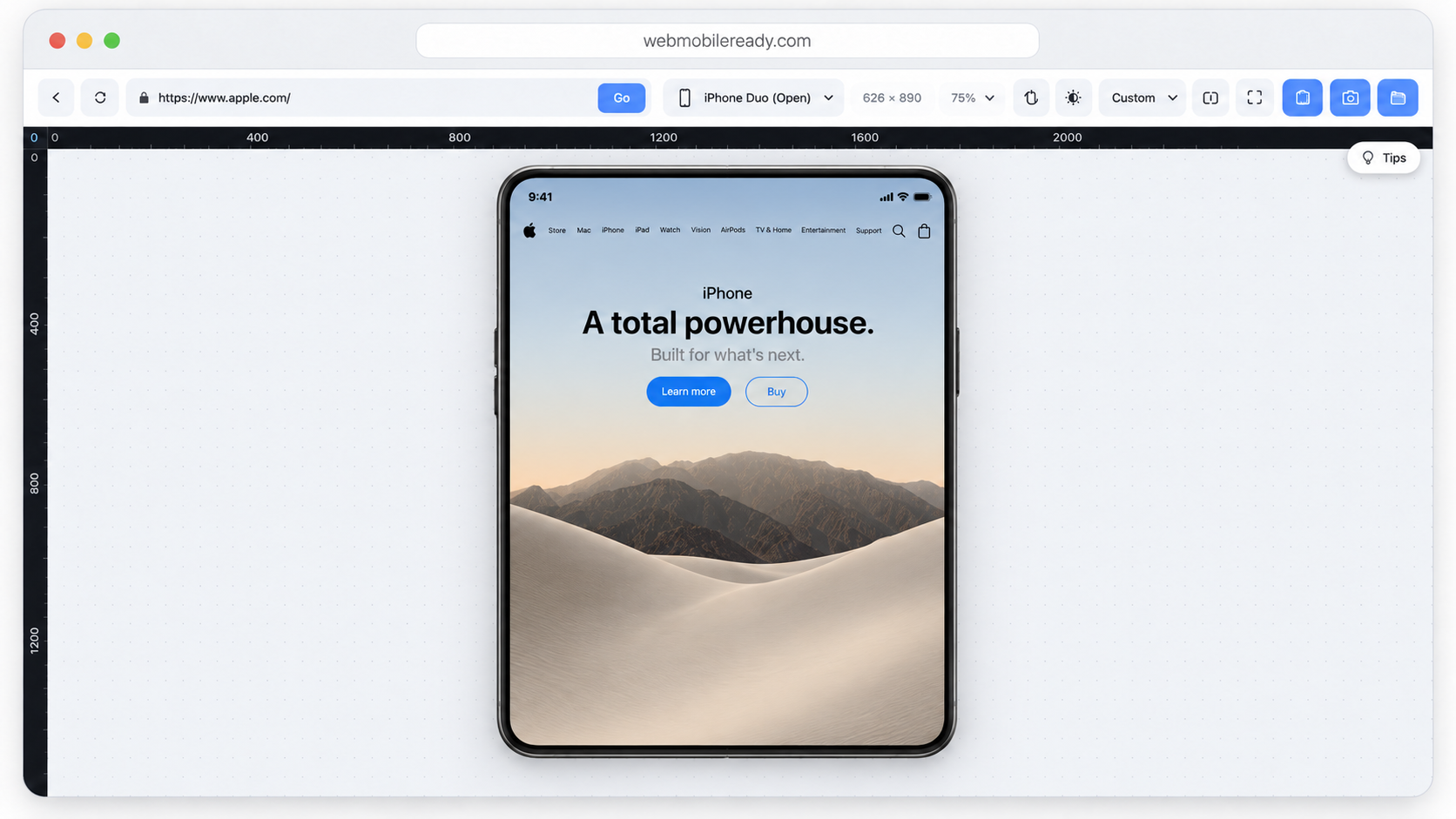
Built for the foldable future — iPhone Duo support is arriving in MobileReady 1.2.22.
Release 1.2.22 expands realistic responsive testing across the newest foldable and flagship viewports, with cover and open postures where applicable. iPhone Duo is an official Apple device, represented in both cover and open postures.
Explore the new devicesBuilt for designers, developers, agencies, and QA teams
New device support in 1.2.22
9 new foldable and flagship profiles join the device menu. Frames are simplified illustrations, not product photography. Version 1.2.22 is rolling out; store availability may vary.
- CoverOpen
Samsung Galaxy Z Fold 8
Book-style foldable — cover and open
- CoverOpen
Samsung Galaxy Z Fold 8 Ultra
Book-style foldable — cover and open
Samsung Galaxy Z Flip 8
Clamshell flip foldable
- CoverOpen
Google Pixel 11 Pro Fold
Book-style foldable — cover and open
- CoverOpen
Google Pixel 10 Pro Fold
Book-style foldable — cover and open
Motorola Razr 70 Ultra
Clamshell flip foldable
Motorola Razr (2026)
Clamshell flip foldable
- CoverOpen
Apple iPhone Duo
Official Apple deviceBook-style foldable — cover and open
Apple iPhone 18 Pro
Flagship phone
Release notes · 1.2.22
Added 9 device profiles: Samsung Galaxy Z Fold 8, Samsung Galaxy Z Fold 8 Ultra, Samsung Galaxy Z Flip 8, Google Pixel 11 Pro Fold, Google Pixel 10 Pro Fold, Motorola Razr 70 Ultra, Motorola Razr (2026), Apple iPhone Duo, Apple iPhone 18 Pro. Book-style foldables include cover and open postures.
Webpage Specs
inspect any site in a single click.
Our newest module pulls a full technical readout of any live page: typography, complete color palette, CSS weight, load time and DOM stats — right next to your mobile simulator. Auto-detected heading & body typography, copy-ready HEX palette of every color, plus stylesheet count, CSS size, load time and DOM nodes.

Inspected domain
See the exact URL being analyzed at a glance.
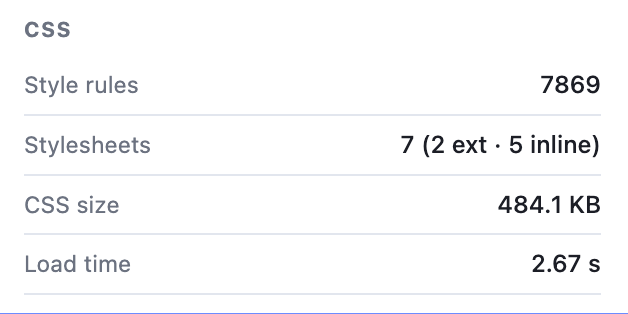
CSS weight & load time
Total stylesheet size, file count and load duration.
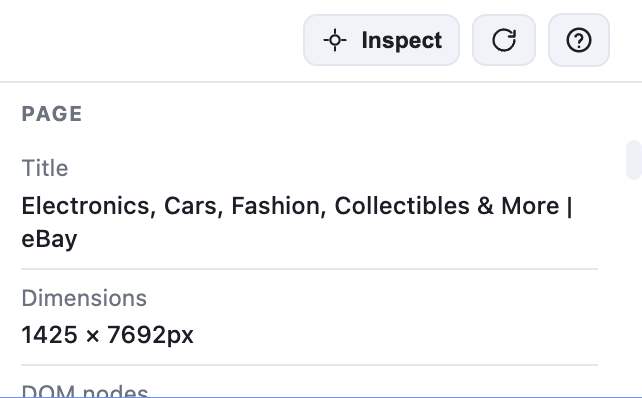
One-click inspect toggle
Show or hide the specs panel instantly.
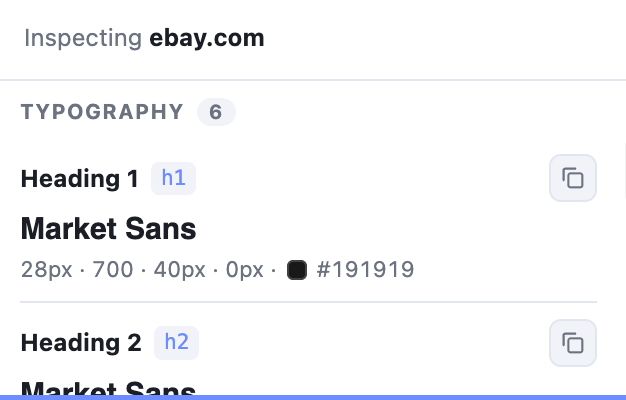
Live typography audit
Every heading & body style — font, weight, size, color.
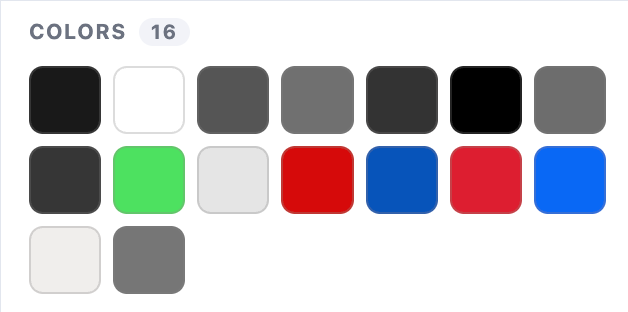
Full color palette extraction
All colors on the page, ready to copy as HEX.
One bar. Every control.
Every button on the MobileReady toolbar, explained at a glance.
Everything you need to design and demo responsive.
A small toolbar with massive impact. Switch viewports, inspect styles, align pixels and present — without juggling DevTools.
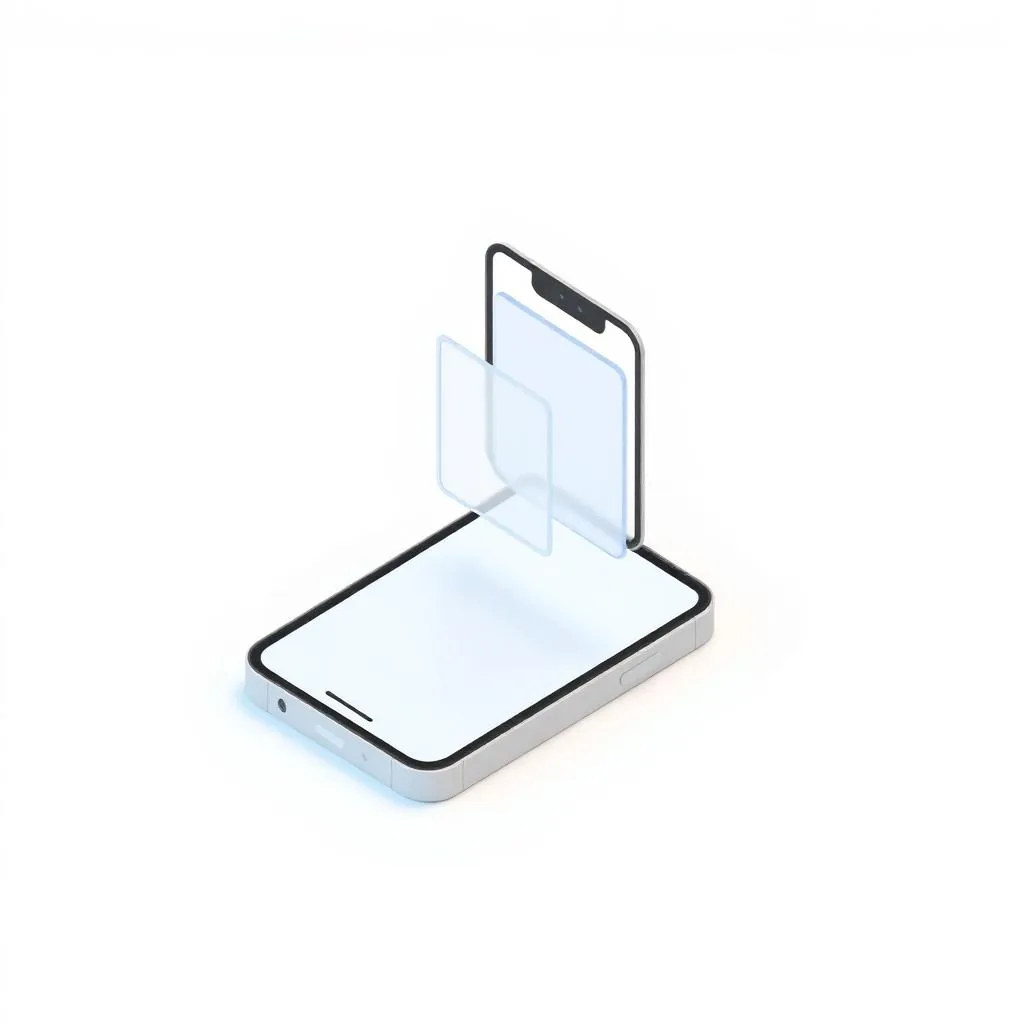
One-click simulation
Snap any tab into a realistic device frame instantly — no reload or resize gymnastics.

91 device presets
iPhone, iPad, Pixel, Galaxy, Surface and more across paid plans; Free includes 15 devices.
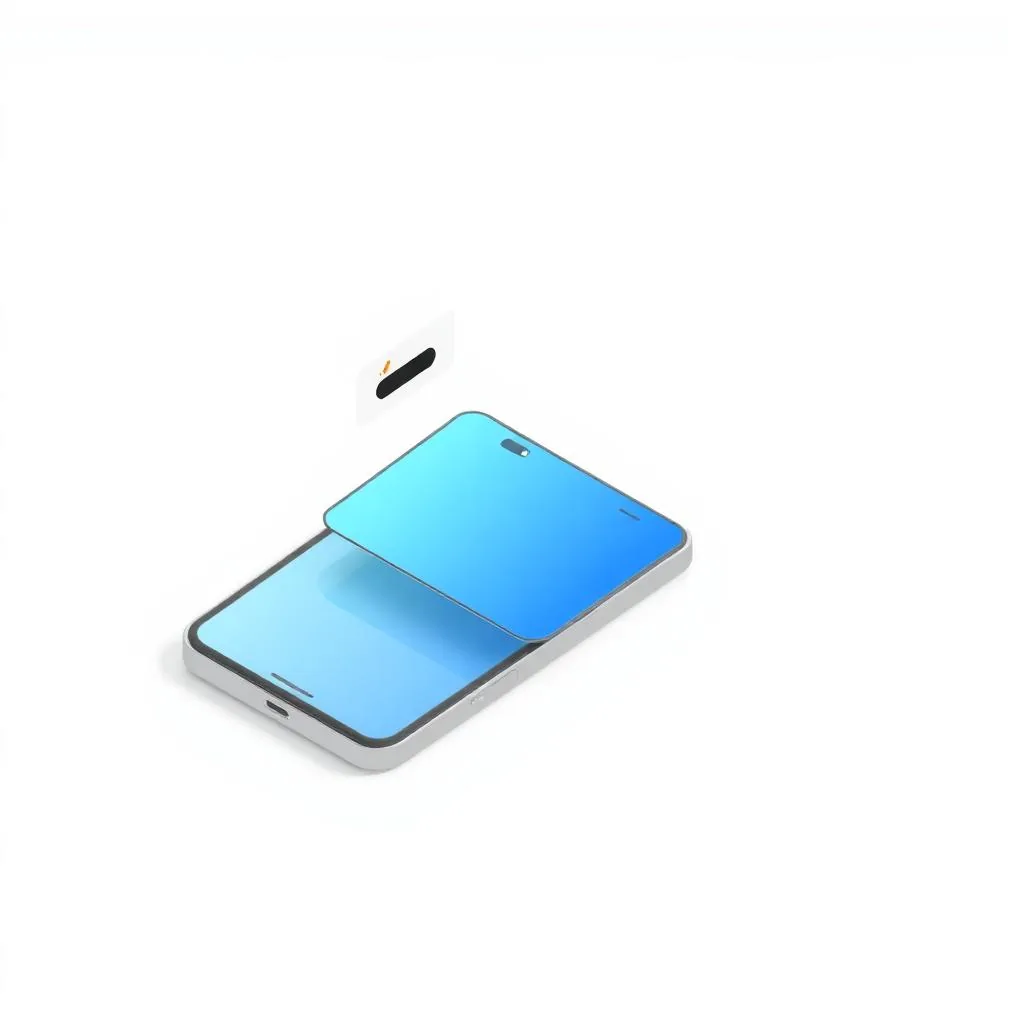
HD screenshots & annotations
Export crisp PNGs and mark them up with arrows, text and shapes for feedback in seconds.
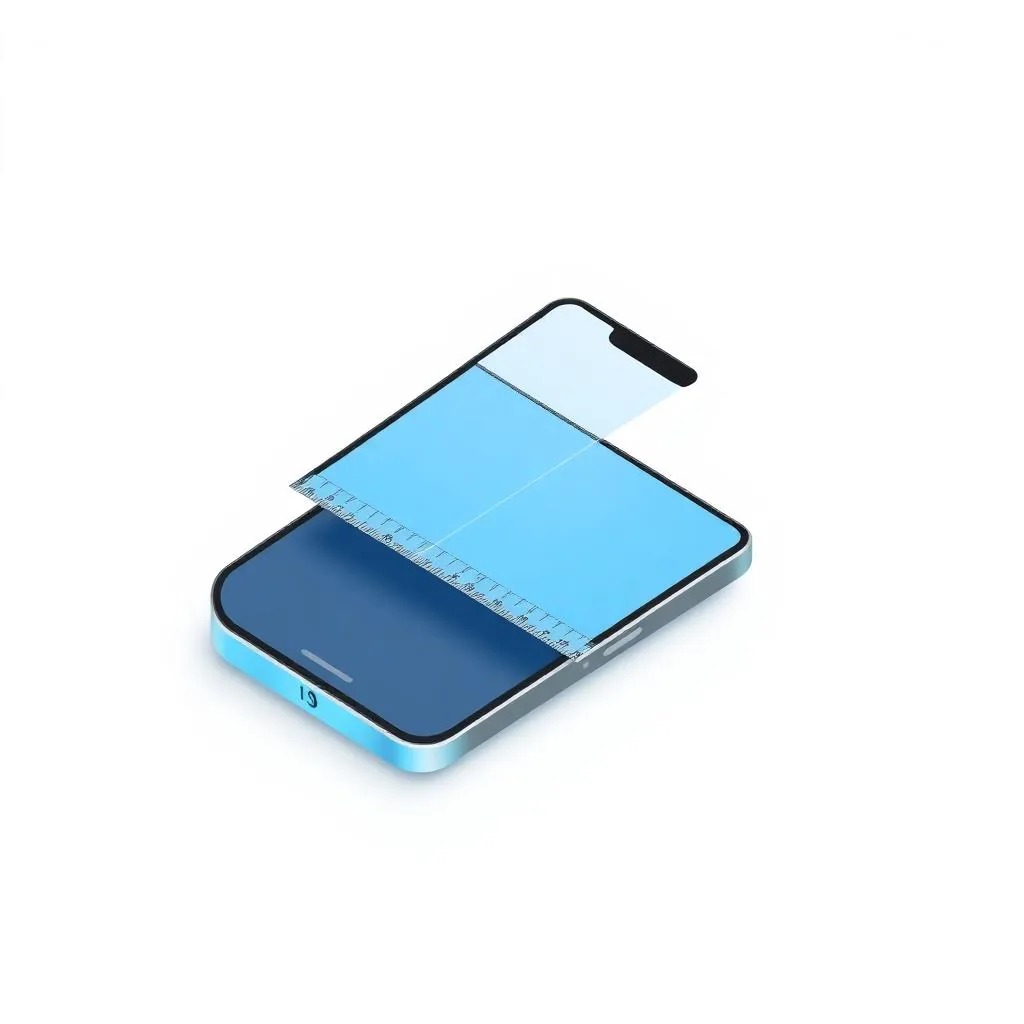
Alignment rulers
Drag unlimited vertical and horizontal guides from the edges to align every pixel on any device.

Element inspector & live styling
Inspect fonts, padding and colors, tweak CSS live and copy the result straight to your clipboard.
Presentation mode
Expert plans can hide the device menu and surrounding controls for focused client demos.
Be first to know what's new
New device presets, inspection tools and simulator improvements — straight to your inbox.
Ready to simulate every device?
Install the free plan today. Upgrade anytime for HD captures and team features.